Keep what you watch.
Offline, on your phone.
Hazel saves videos and music from YouTube and more than a thousand other sites, so you can watch and listen without a connection. Paste a link, search, or share from any app. No account, no ads, nothing tracked.
- YouTube
- YouTube Music
- TikTok
- X
- SoundCloud
- Bandcamp
- Vimeo
- Twitch
- Bilibili
- and 1000+ more
Three easy ways to save something.
However you found it, there is a short way from there to a file on your phone.
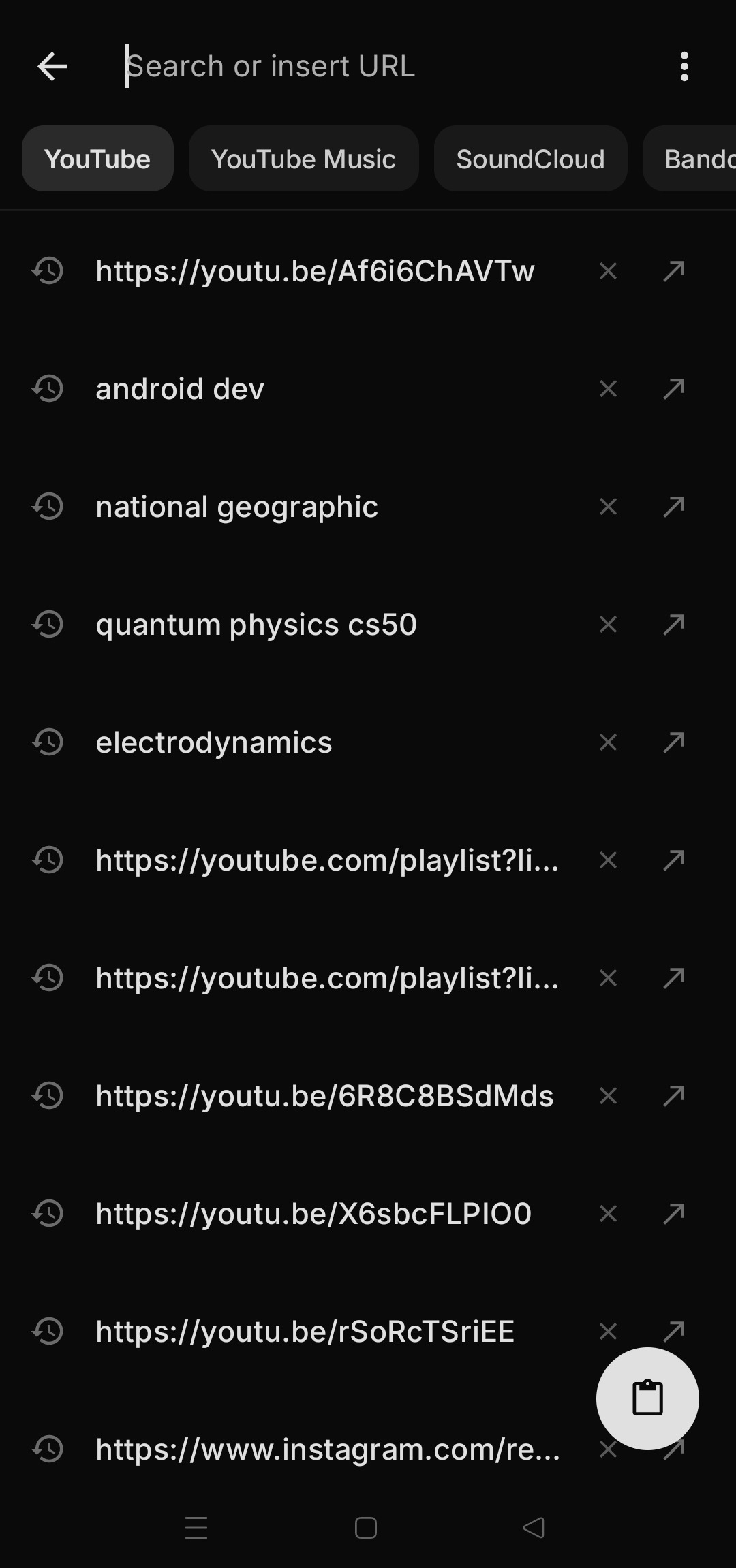
A link, a few, or a whole playlist
Copy a link from anywhere and paste it in. A playlist or a channel works too, and you can save every video in it with one tap.
Just type what you want
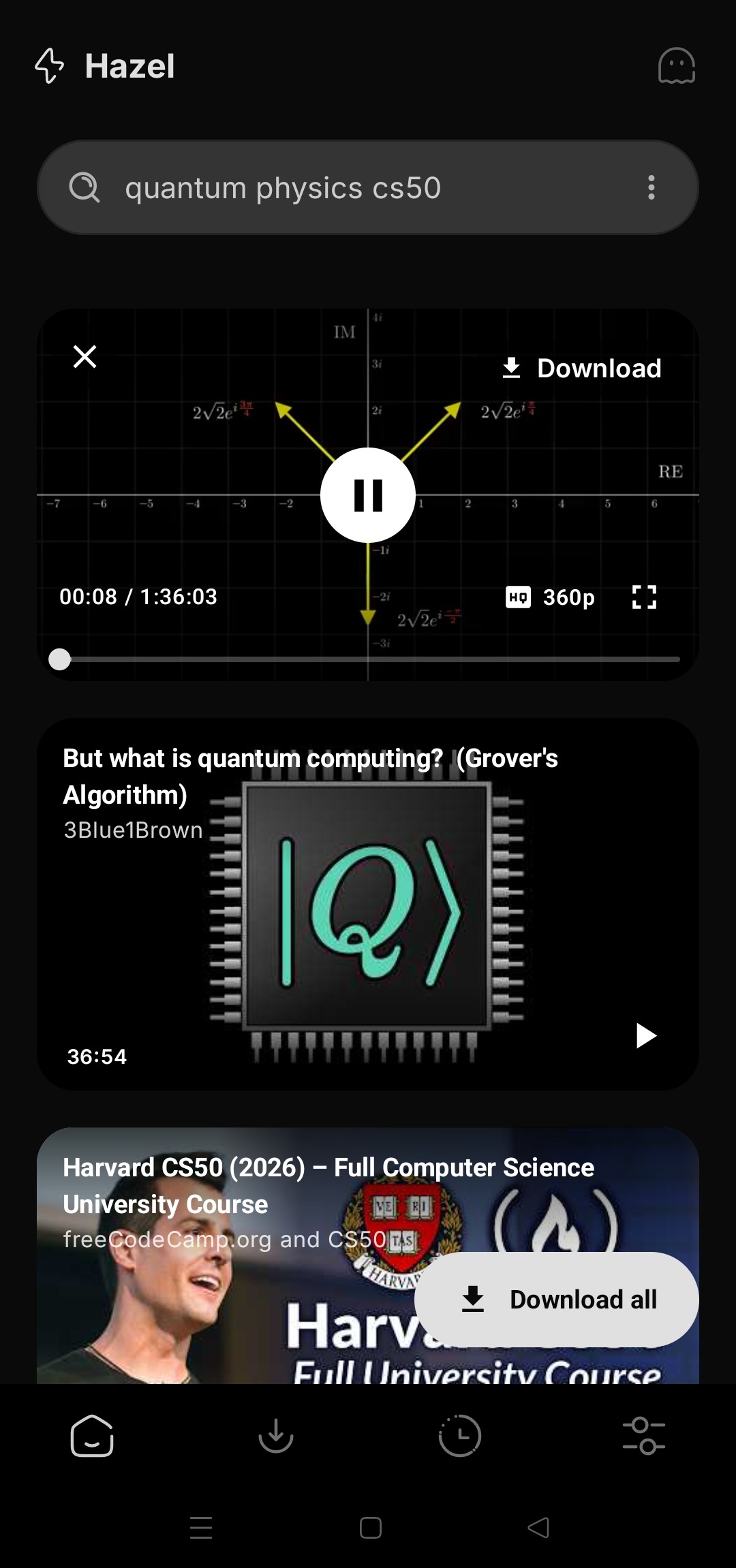
Search YouTube, YouTube Music, SoundCloud, Bandcamp and more right from the home screen, and play any result before you save it.
Hazel Instant
Watching something in another app? Tap Share and pick Hazel. A download sheet pops up right there, set to your usual quality. Tap Download and keep watching.
Everything between the link and the file.
Simple when you just want the video. Plenty of choice when you want it exactly your way.
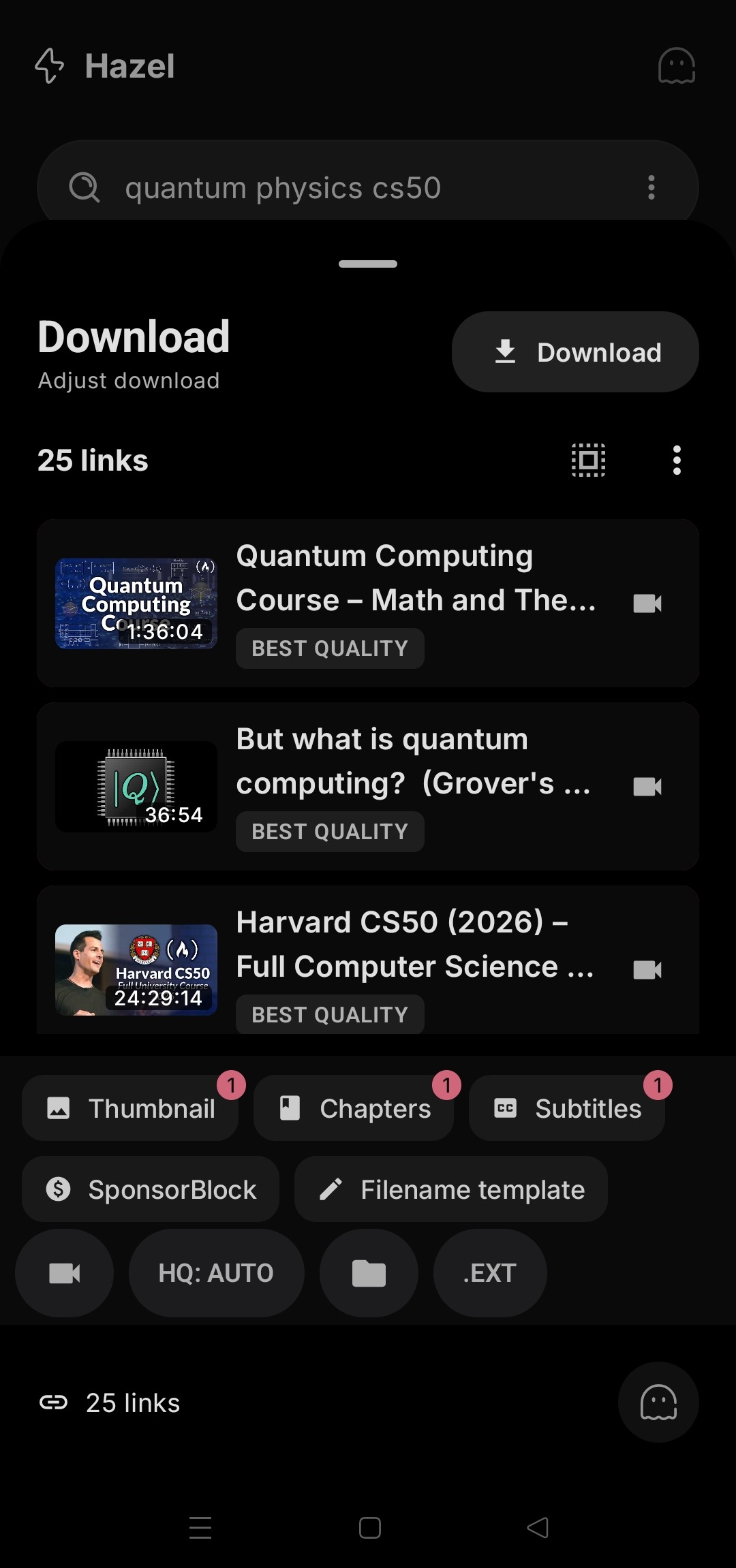
A whole playlist, in one go
Set the quality, format and folder once for the whole list, and change any single video if you want something different. Big lists keep going in the background.
- Save every video, or only the ones you tick
- Music only or full video, per list or per item
- Pause and pick up later, even after a restart
Save to your SD card
Keep your phone's space for apps. Choose the phone, your memory card, or any folder you like, with separate places for music and video.
- Large videos don't fill up your phone while they download
- Card taken out? Files are kept on the phone, and Hazel tells you
Only the part you want
Drag the start and end on a live preview and save just that piece of a long video or song.
Cleaner files
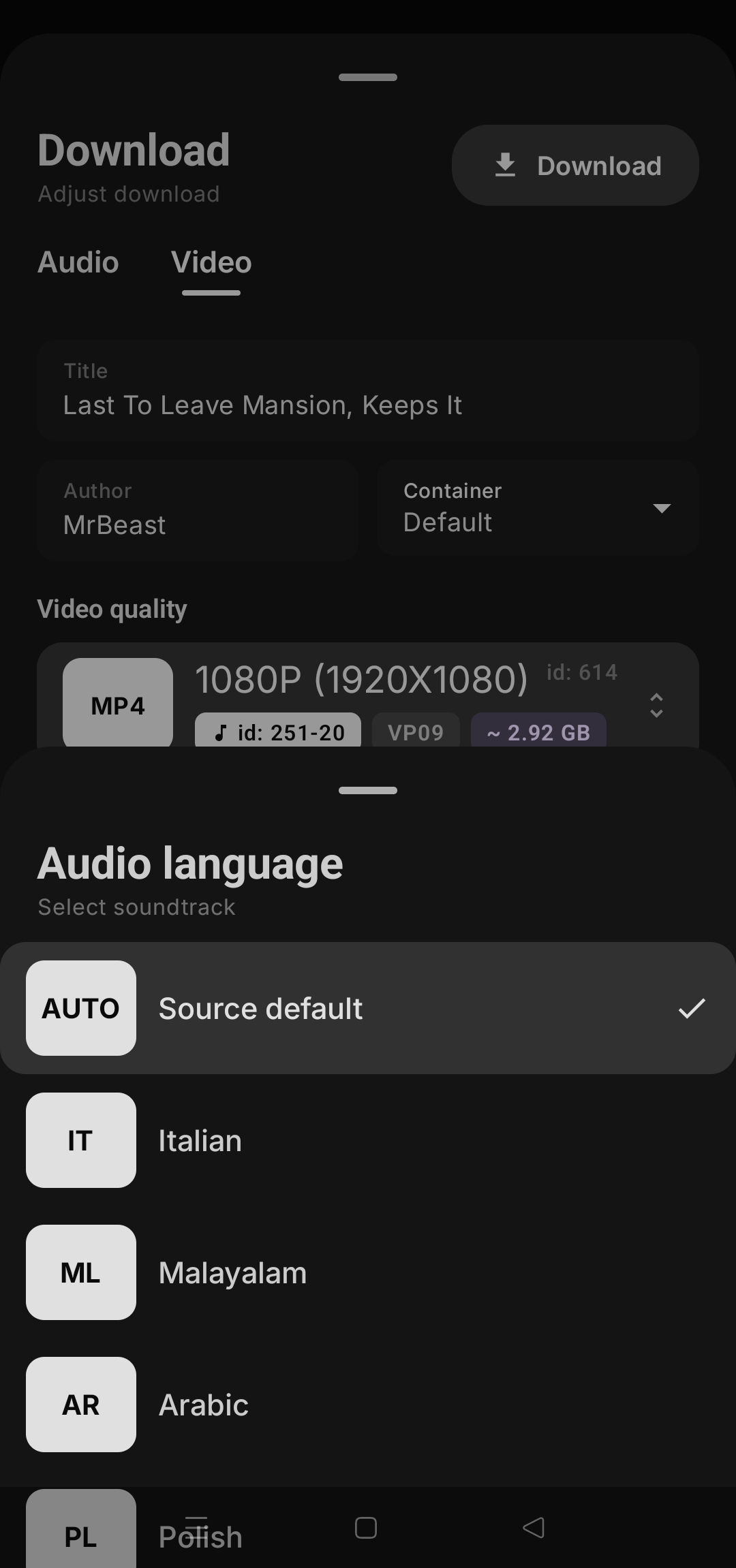
Skip sponsor messages and intros, add chapters and subtitles, and choose the audio language when a video has several.
Live streams and premieres
Record a live stream from its very beginning, or let Hazel wait for a premiere and save it as soon as it starts.
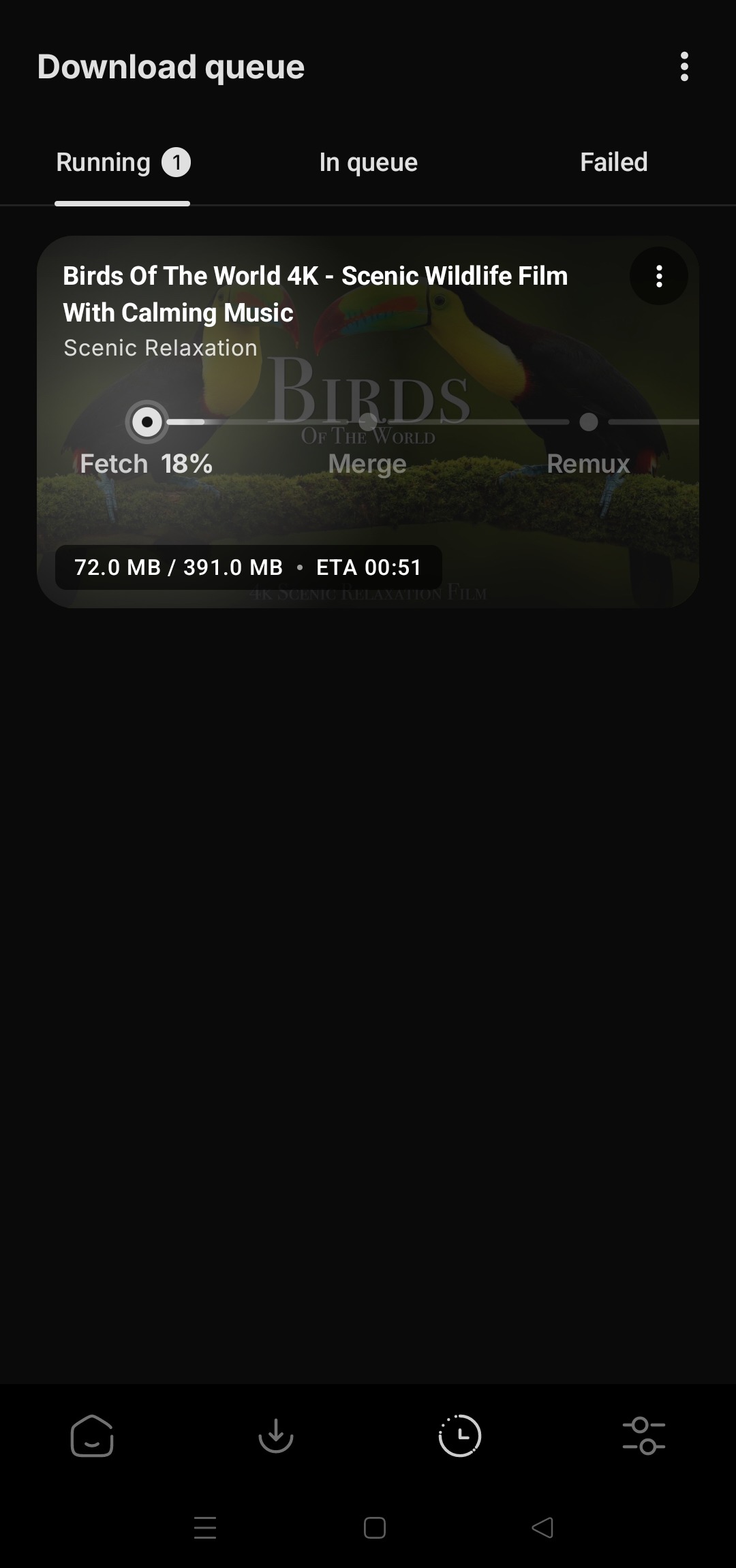
Keeps going while you do other things
Lock your phone or switch apps. Downloads carry on, and you can pause, resume or cancel from the notification.
- See each step as it happens
- Wi-Fi only, if you want to save data
- Retry anything that failed in one tap
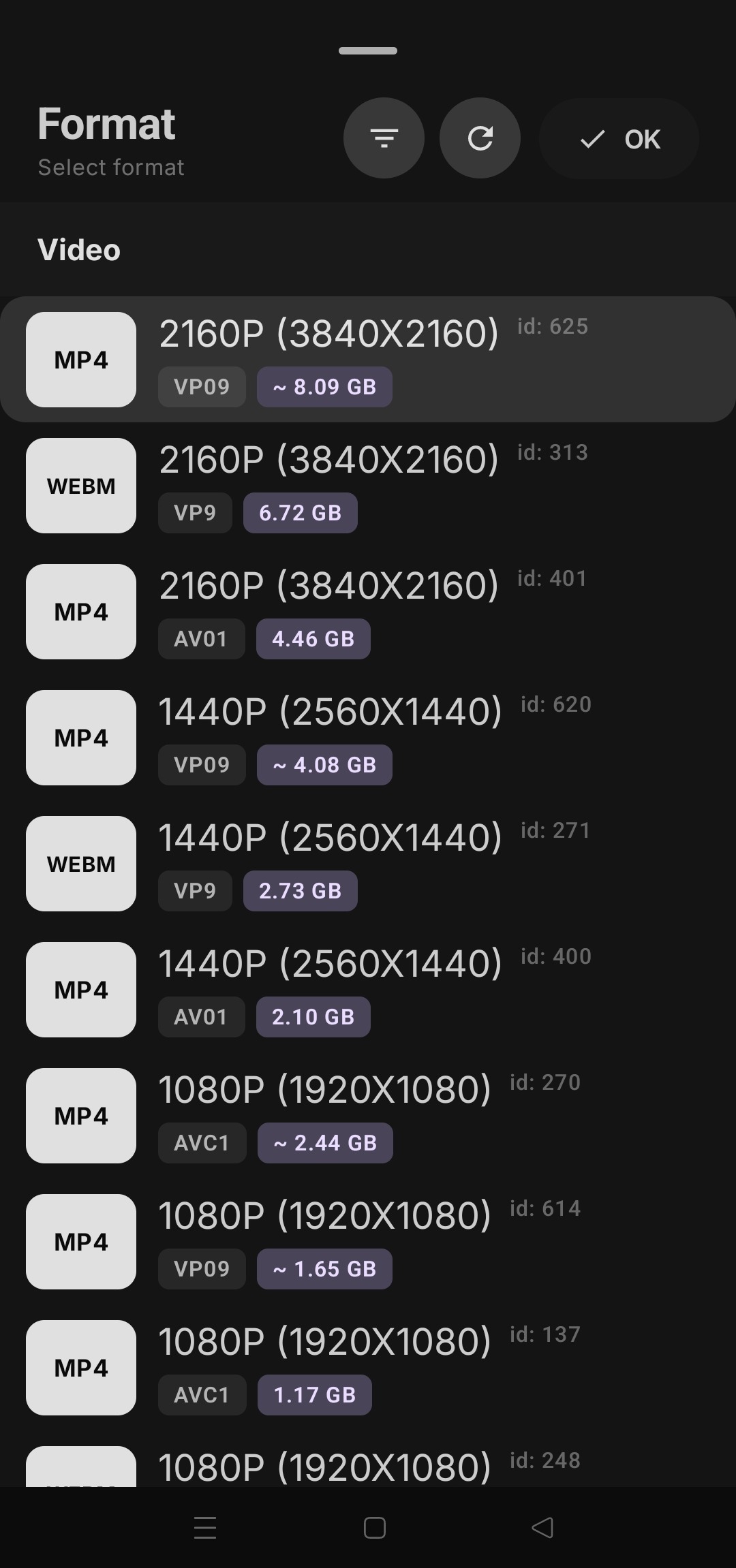
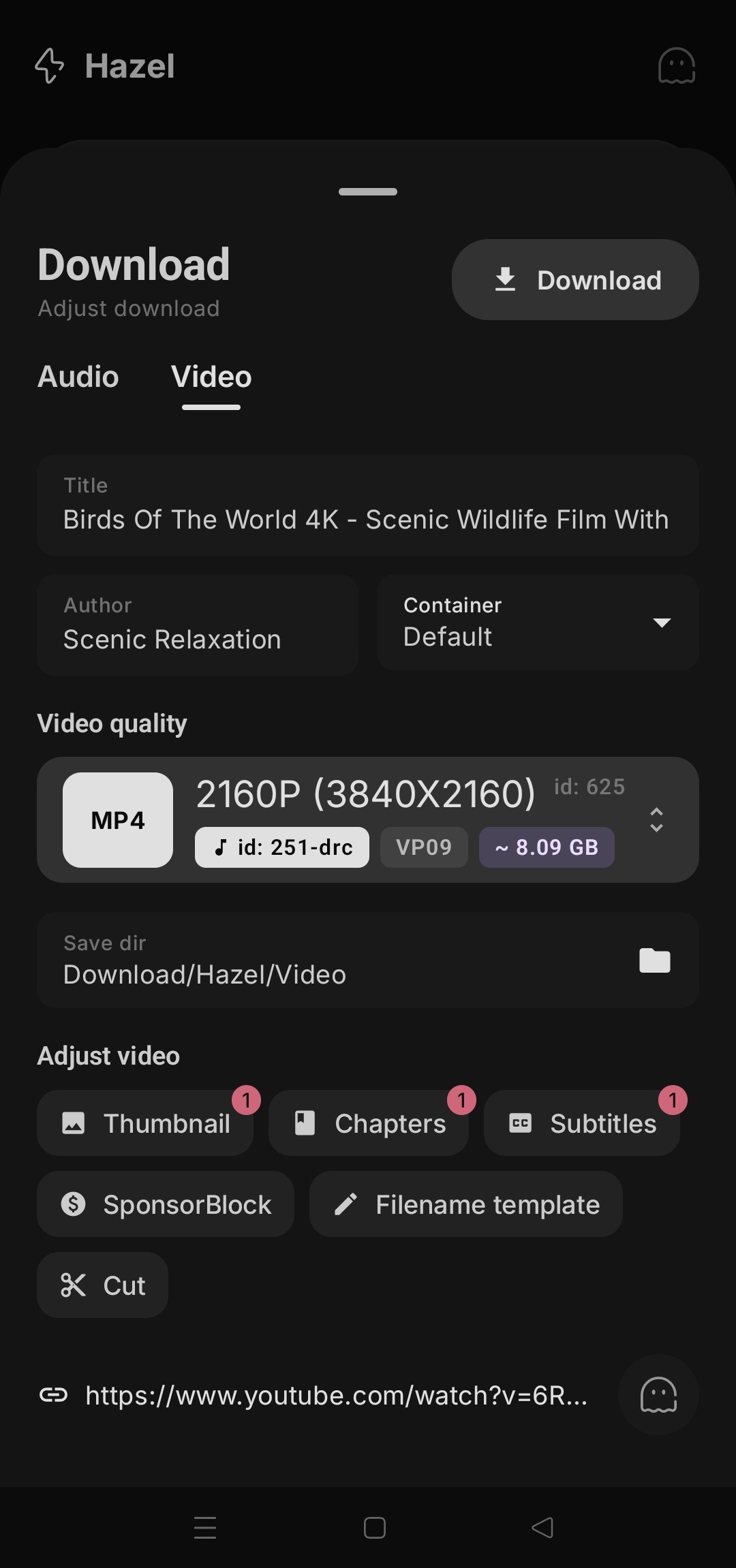
The exact quality you want
From small files that save space up to 4K, with the size shown before you start. Music can be saved on its own, in the format your player likes.
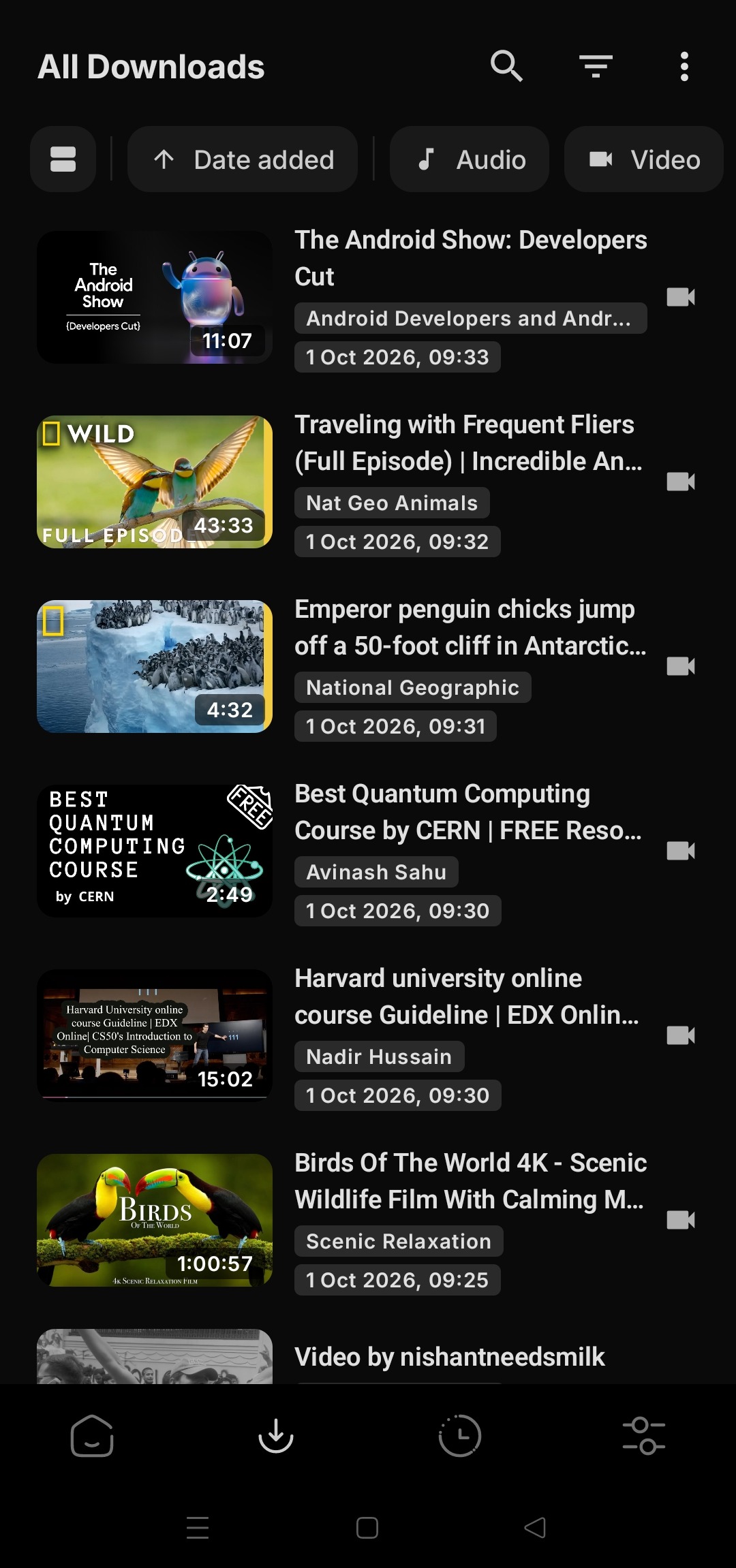
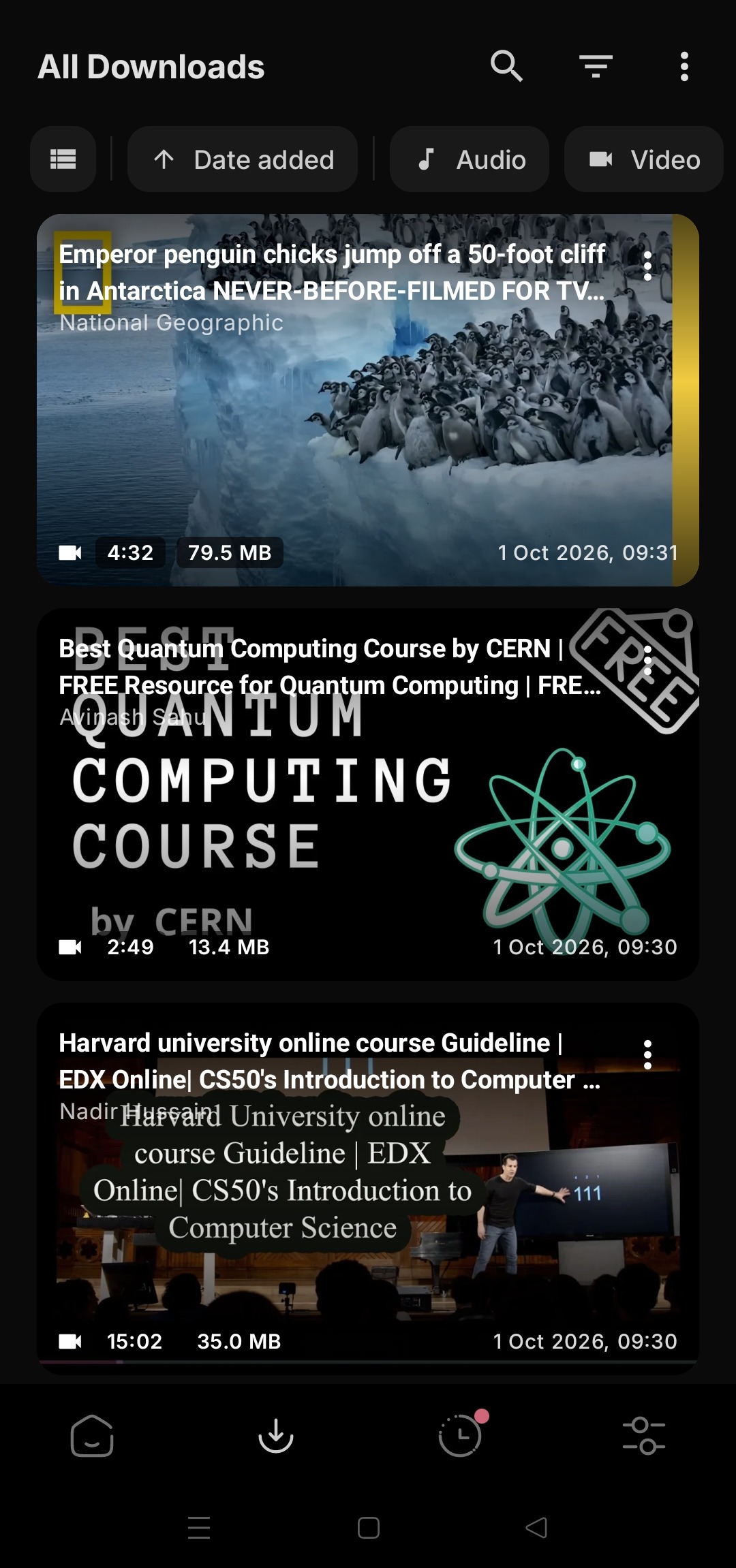
Everything you saved, in one place
Sort and filter by music or video, search your downloads, and open any of them in the player you already use.
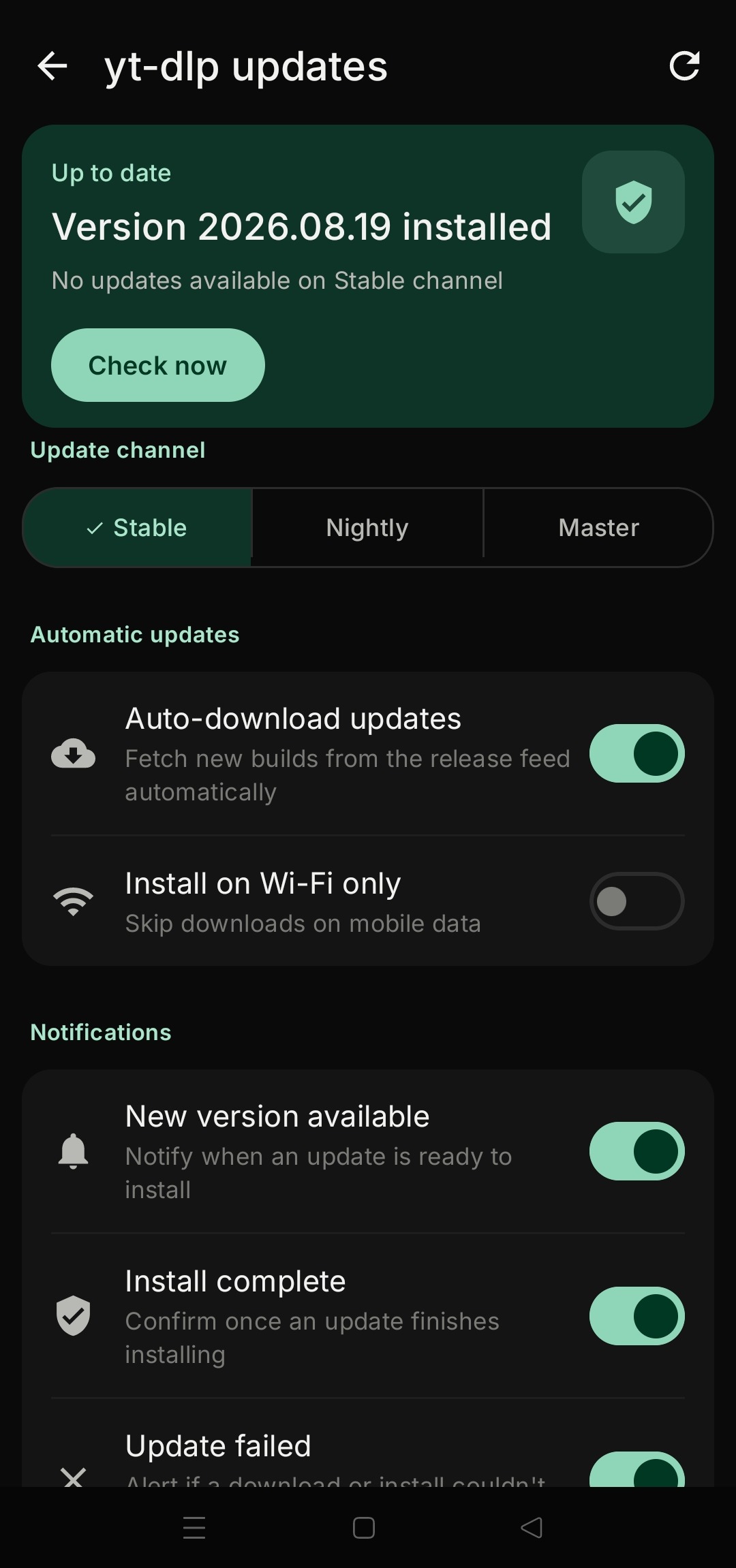
Keeps up when sites change
Websites change all the time. Hazel can update the part that does the downloading straight from the app, so you don't have to wait for a new version.
Blends seamlessly with your device
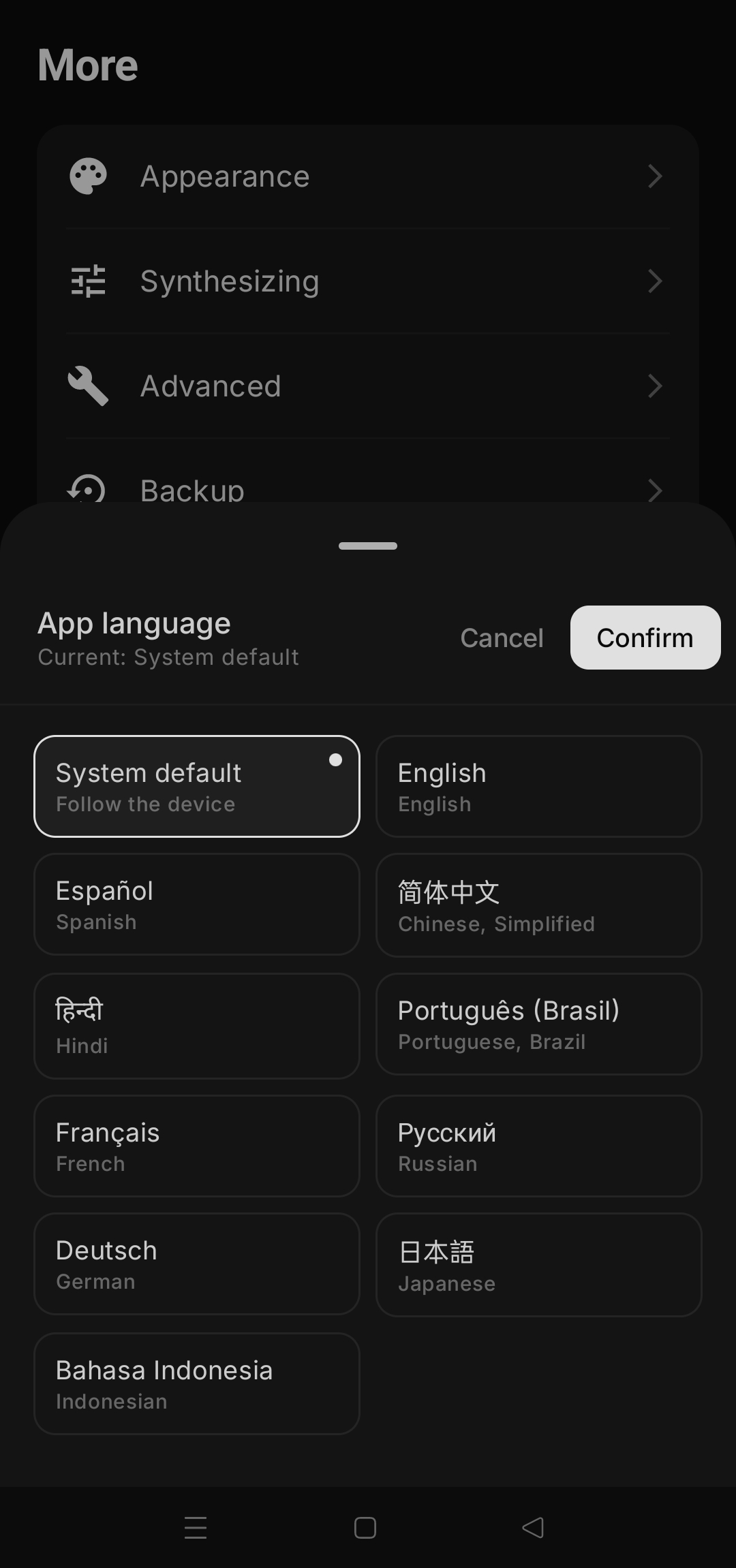
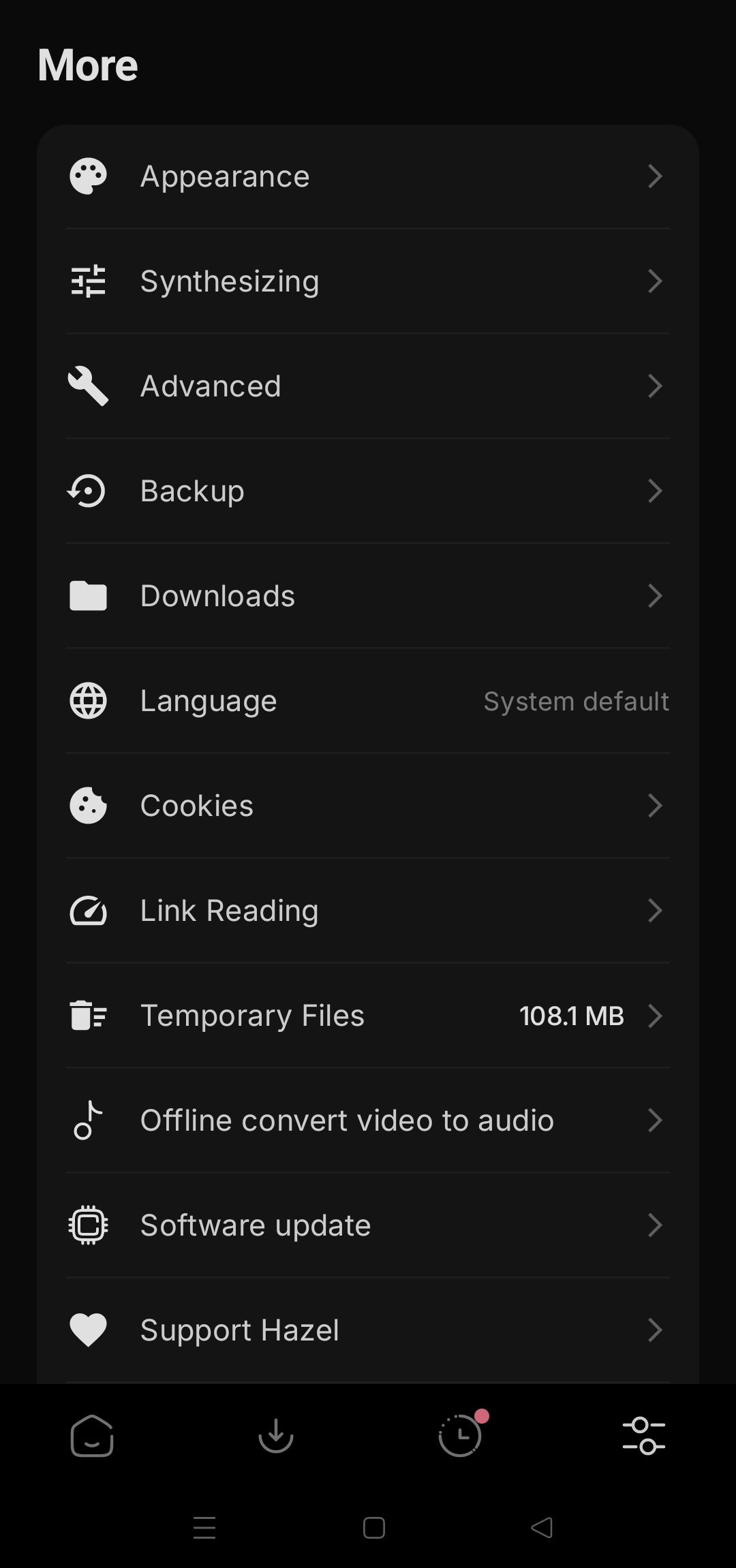
Dark and light themes, your choice of accent colour, and ten languages.
Your phone talks to the site you asked for. That's all.
Hazel has no servers of its own and nothing to report back to. What you save goes from the website straight to your phone.
- 01No accountNothing to sign up for, nothing to sign in to.
- 02No ads, no trackingNo analytics or trackers anywhere in the app.
- 03Incognito modeSaved files stay out of your library and links aren't remembered.
- 04Open sourceAnyone can read every line of the code on GitHub.
Up and running in a minute.
Hazel isn't on the Play Store. Get it from one of the two official places below, and nowhere else.
- 01Download Hazel
From GitHub Releases or F-Droid. On GitHub, the file ending in arm64-v8a suits almost every phone.
- 02Open the file to install
Your phone may ask you to allow installs from your browser or file manager the first time. That's normal for apps outside the Play Store.
- 03Paste, search or share
Open Hazel and paste a link, or share one to Hazel from any app. The guide covers the rest.
Make sure it's the real Hazel
Every official release is signed by the developer. If you got Hazel somewhere else, an app like AppVerifier can compare your copy with the fingerprint below. If they don't match, uninstall it.
0377e9c8352c017e42583cea1715c40c400a51c4045c268825ffc9bae1305c86
Speaks your language
Hazel follows your phone's language, or you can pick one in the app.
Standing on great open source
Hazel brings these projects together in one friendly app.
- yt-dlpDoes the downloading
- NewPipe ExtractorFast search and playback
- Media3The built-in player
- FFmpegJoins and converts files
Get Hazel. It's free, and it stays that way.
No subscription, no ads and no catch. If Hazel saves you time, you can help keep it going.